

Returns
Warranty
return
Hit a problem after installing an ECM from us? Work the checklist below before you start a return — across thousands of installs it resolves most common issues.
Four checks, no special tools. Most of them take under two minutes.
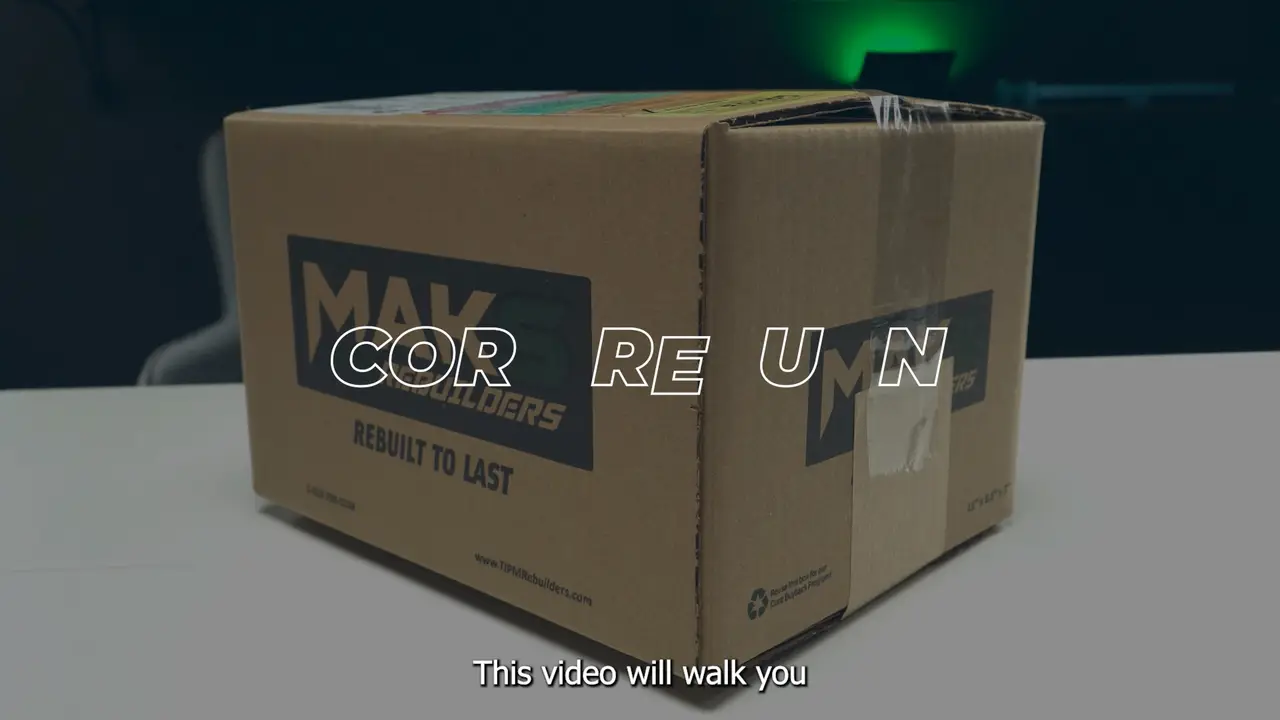
Video guide: returning your ECM
The pre-return checklist
Work these in order. Each one on its own has resolved installs we were sure were bad modules.
-
Soft reset
Perform this task even if you’ve already done so once. Follow the sequence exactly — the timing matters.
Key ignition
-

Insert key into ignition.
-
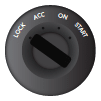
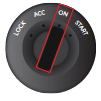
Turn key to the ON position — just short of cranking. Don’t crank.
-
Hold for 120 seconds. Then turn off and remove the key.
Push-to-start
-
Push the Start button 2×.
-
Wait 120 seconds.
-
Push the Start button again and start as normal.
-
-
Reconnect all cables
Disconnect your battery cables and the ECM cables, then reconnect everything. Make sure every plug is fully seated — a single loose cable can trigger a whole range of symptoms.
-
Battery cables check
Check that your battery cables are securely attached and tightly fastened; a loose battery post causes the same faults. Then check the state of charge — optimally 12.6 volts or more after the vehicle has been sitting overnight.
-
Clear codes
Make an attempt to clear any engine codes, if possible, and re-test the vehicle.


Checklist didn’t fix it?
By following these steps you may resolve common installation issues. Should difficulties persist, please do not hesitate to reach out to our support team.
Other ways to return
Not a warranty return? These are the other routes back to us.